



Wintails Casino App: Mobile Gaming
The Wintails app gives you full access to our platform from any device, whether you are at home or away. Built on progressive web app (PWA) technology, the Wintails app loads directly from the browser – no installation file, no app store dependency, no waiting. Open the site, add it to your home screen, and the Win Tails experience is ready from the first tap.



Wintails App Features
Our mobile casino matches the desktop experience in every meaningful way. The PWA framework means the platform updates automatically – each session opens on the latest version without any action needed from the player. The interface scales to the screen in front of you, whether that is a compact smartphone or a tablet with a wide display.
The comparison between mobile and desktop comes down to context. Desktop offers a wider layout, which suits extended live casino sessions and gives a more panoramic view of the game catalog. Mobile gives you one-tap access from anywhere, push notifications for active promotions, and the flexibility to play on your terms. Both environments run the same game library, the same payment options, and the same verification process.
| Feature | Mobile App | Desktop Version |
| Access | Any location with internet | Requires a computer |
| Interface | Touch-optimized, adaptive layout | Full-width, expanded view |
| Push Notifications | Available – promotions and alerts | Not available |
| Loading | Fast launch from home screen icon | Standard browser load |
| Game Library | Full catalog | Full catalog |
The Wintails gaming experience is consistent across all platforms. Account balances, bonus status, and game history sync automatically whenever you switch between devices.
Wintails App for Android OS
The Wintails app for Android runs on any device with Android 8.0 or higher. Phones and tablets across all common screen sizes are supported, with the layout adapting automatically to fit the display. No APK file is required, and no third-party sources are involved – the entire process runs through the browser.
Install on Android
Installing takes under a minute:
- Open the Wintails Casino website in your mobile browser.
- Tap the three-dot menu icon in the top corner of the browser.
- Select “Add to Home Screen” from the options.
- The Win Tails icon appears on your home screen immediately.
From that point, the app opens directly to the platform with your existing account. Android navigation gestures work throughout – swipe between game categories, tap to place bets, scroll the online slots lobby. The interface responds naturally to touch input at any screen size.
Because Wintails runs on PWA technology, there is no large file on your device consuming storage. Each session connects to the live platform, so the version you open is always current. The connection is encrypted from login through to logout, and battery impact stays low since no background process is running when you are not playing.
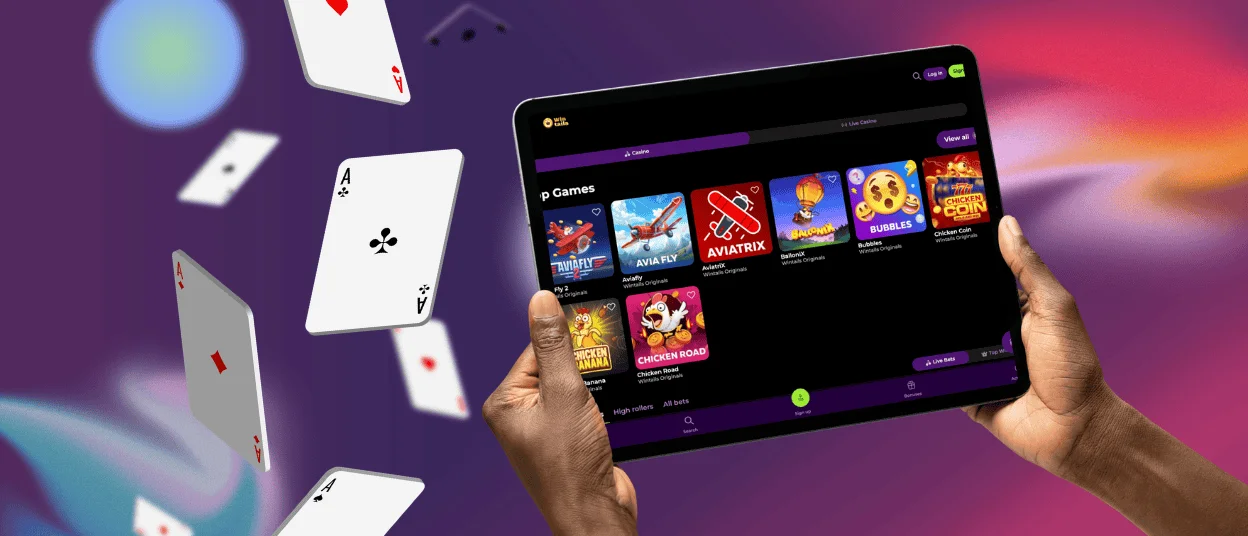
Wintails App – iOS
On Apple devices, Win Tails is accessible through Safari. The process mirrors Android in simplicity – visit the site, save it to your home screen, and it operates exactly like a native app from that point. The icon sits alongside your other apps, and one tap opens the full platform.
To add Wintails to your iOS home screen:
- Open the Wintails Casino website in Safari.
- Tap the Share icon – the square with the upward arrow.
- Select “Add to Home Screen” from the menu.
- Confirm the URL matches our official site, then tap “Add.”
Touch ID and Face ID are both compatible with iOS login for accounts that have biometric authentication enabled. Live casino streams run at the same quality on iPhone as on desktop, and the full game catalog, including online slots and table games, is available without restriction.
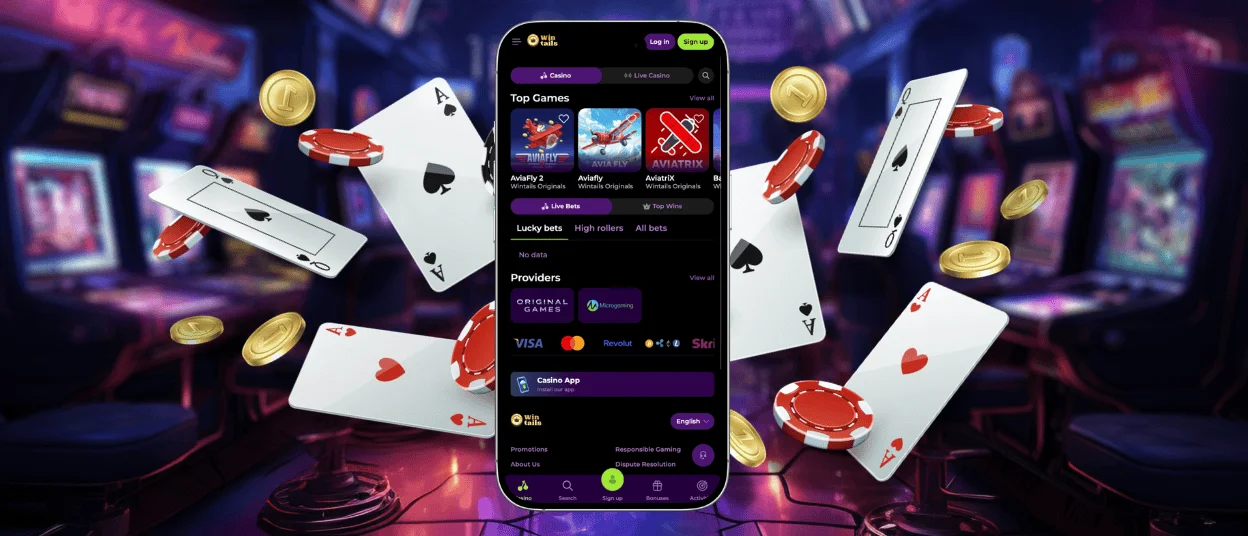
Win Tails Casino – Desktop Version
The Wintails Casino desktop version runs in all major browsers – Chrome, Firefox, Safari, and Edge – without additional software. Players who prefer longer sessions benefit from the wider screen, the expanded interface, and the easier navigation between live casino tables and the broader game catalog.
The desktop platform shares the same account system as the mobile app. Everything stays in sync: progress, balance, active bonuses, saved payment methods. There is nothing to configure when switching between devices.
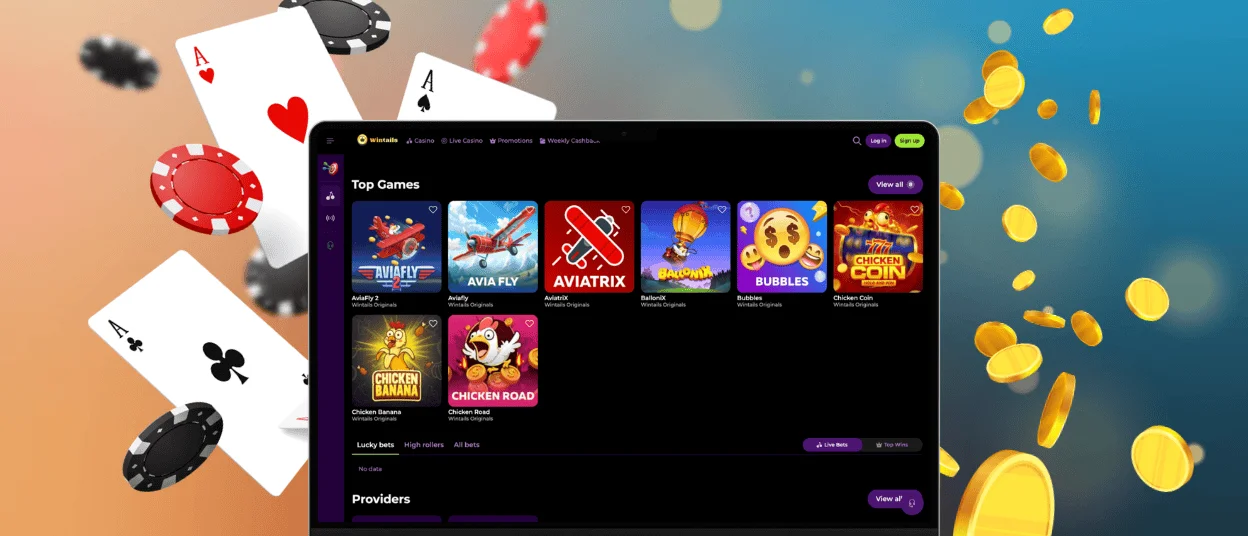
Device Compatibility
The platform performs across all device categories. The PWA model removes hardware as a barrier – the same platform runs on a desktop, a tablet, or a smartphone without separate builds or compromises.
| Aspect | Desktop | Tablet | Smartphone |
| Screen & Layout | Full-width interface, expanded game grid, multi-panel live casino view | Adaptive layout, wider game grid than mobile, touch-friendly controls | Compact single-column layout, touch-optimized navigation |
| Best For | Extended sessions, live casino tables, tournaments | Flexible play at home or away, comfortable screen size | Quick sessions, on-the-go access, push notification alerts |
| Login Options | Standard credentials | Standard credentials | Standard credentials + Face ID / Touch ID (iOS) |
| Push Notifications | Not available | Available | Available |
| Game Catalog | Full | ||
Live casino streams and online slots perform consistently across all three device types. A stable connection matters more than the device itself – the PWA keeps the platform lightweight regardless of the hardware running it.
FAQ
Is the app optimized for tablets and larger screens?
Yes. The Wintails app layout scales to the screen it is displayed on. Tablets with larger displays get more of the game catalog visible at once, and touch controls remain properly sized regardless of screen dimensions. The same adaptive design applies to both Android and iOS tablets.
Can I make deposits and withdrawals through the app?
All payment methods available on desktop are fully accessible through the Wintails Casino mobile platform. Deposits process immediately, and withdrawals follow the same steps as on the full site. The verification process – including KYC document submission and review – can be completed entirely from the mobile app. Our support team is available via live chat if any step requires assistance.
Does the app update automatically or manually?
The Win Tails PWA updates automatically. Because the platform runs through the browser rather than as an installed application, every session opens the current live version. There is no update to trigger, no file to download, and no version management on your end. The Wintails app you use today is always the most recent build.


